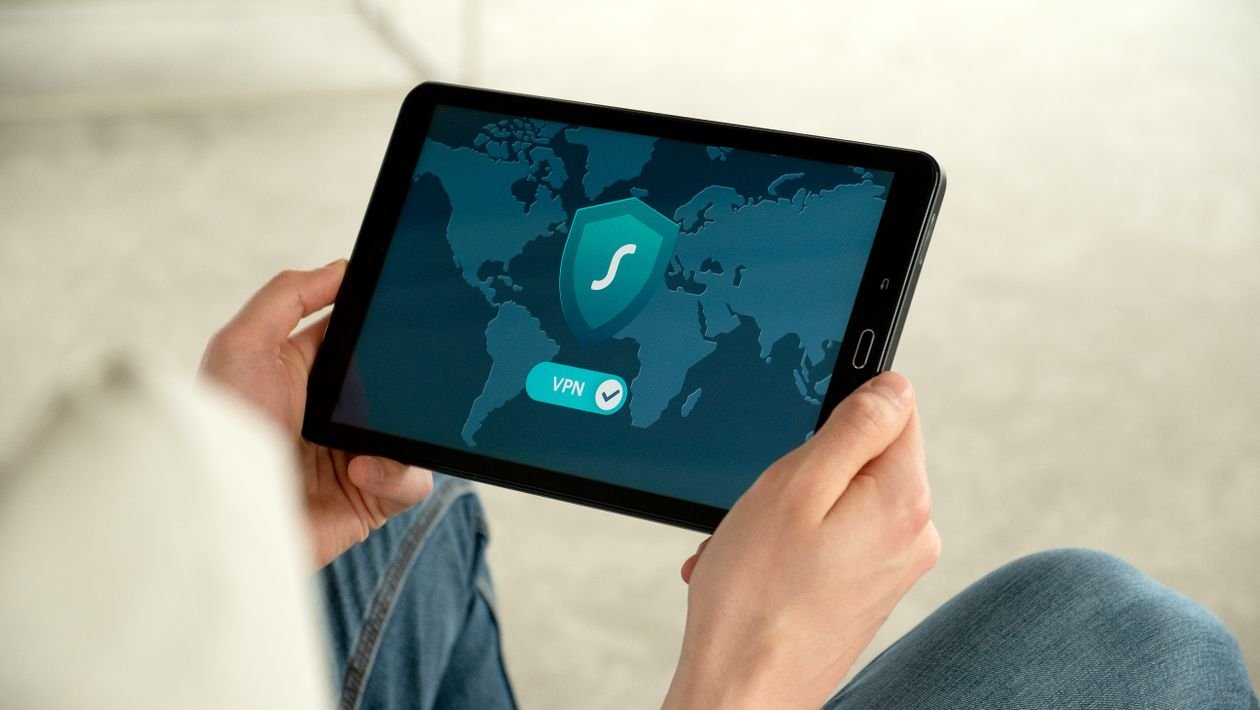
VPNs are advertised everywhere, often with bold claims about privacy and security. It can be hard to tell what is real, exaggerated, or simply impossible. VPN stands for Virtual Private Network. In simple terms, it creates an encrypted tunnel between your device and a server run by the VPN provider. Traffic travels through that tunnel before reaching the wider internet. That changes what different parties can see, but it does not make you invisible, and it does not replace other security habits.
How a VPN Works
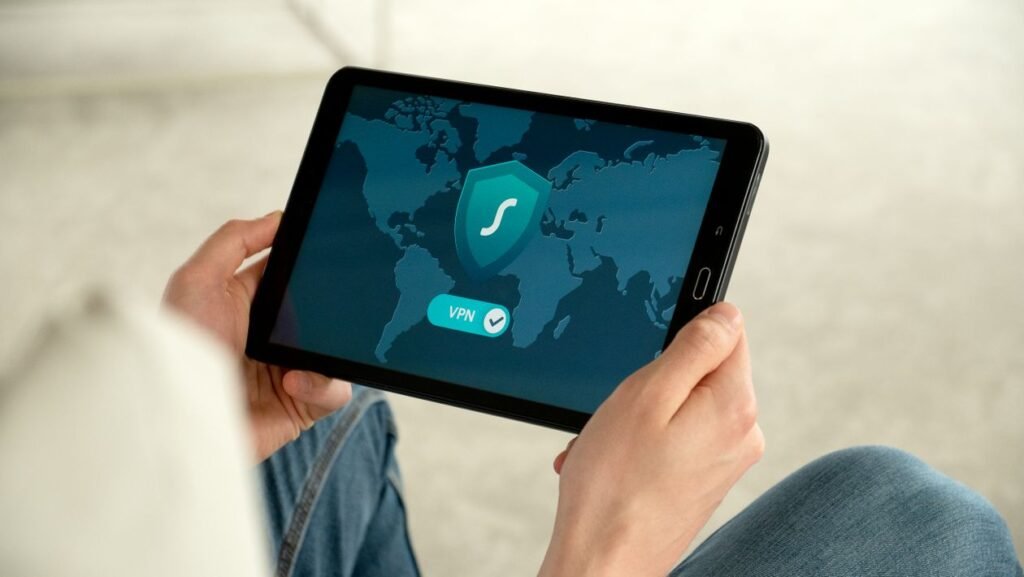
Normally, your internet provider can see which websites you connect to, even if it cannot always see the exact content of encrypted pages. On public Wi-Fi, others on the same network may also observe some traffic. When you turn on a VPN, your device connects to the VPN server through an encrypted tunnel. Your provider can see you are connected to the VPN, but has a much harder time seeing which sites you visit, because that traffic is encrypted inside the tunnel. Websites you visit see the VPN server’s location, not your home directly. Think of a sealed envelope sent via a forwarding service: handlers see you used the service, but cannot easily read the letter. The forwarding service itself, however, can see where it is going.
What a VPN Does Well
First, it encrypts traffic on untrusted networks. On café, hotel, or airport Wi-Fi, a VPN makes it harder for others on the same network to snoop. That is a sensible precaution if you regularly use networks you do not control. Second, it hides browsing from your internet provider to a large extent, by routing encrypted traffic through the VPN server. This shifts visibility: the VPN provider can now see that traffic instead. Third, it masks your IP address from websites. Sites normally see an address revealing your approximate location; with a VPN, they see the server’s address instead, reducing IP-based tracking. A VPN may also bypass some network restrictions, though many services detect and block VPNs, and bypassing them may breach their terms.
What a VPN Does Not Do
Advertising often overpromises here. A VPN does not make you anonymous. If you log in to email or social media, those services still know who you are; cookies and account activity can still identify you. It does not protect against phishing or malware. It will not stop you clicking a fake link, entering a password on a fake site, or downloading a harmful file, unless separate security features are bundled. It does not encrypt everything, everywhere: it encrypts traffic to the VPN server, after which traffic travels onward as usual, so visiting a site without HTTPS can still expose parts of it. It does not replace a password manager or two-factor authentication. Finally, it does not guarantee privacy from the VPN provider itself. You are trusting that provider instead of your internet provider, so its logging policy, reputation, and audits matter greatly.
Do You Need One?
It depends on how you use the internet. A VPN is more useful if you frequently use public Wi-Fi, worry about provider logging, travel on unfamiliar networks, or want to reduce IP-based tracking. It is less essential if you mainly browse at home on a trusted network, mostly visit HTTPS sites, and already use strong, unique passwords with two-factor authentication. In that case, it may still help, but it is not the first step to prioritise. Note that a VPN can slow your connection, because traffic travels via an extra server. The slowdown is often small with a nearby server, but noticeable on slow connections or distant servers.
How to Choose a Provider
Choose carefully. Free VPNs can be tempting, but servers cost money, so a free service may fund itself through advertising or data collection. That does not mean every free VPN is unsafe, but read its privacy policy closely. Look for a clear no-logs policy, ideally backed by independent audits; strong encryption and modern protocols; a good reputation and transparency about incidents; easy, updated apps for your devices; a kill switch, which blocks internet access if the VPN drops, so traffic does not continue unprotected; and servers where you actually need them. Avoid choosing only on price, or on claims of “total anonymity.” Those are marketing, not guarantees.
Using a VPN Safely
Turn the VPN on before joining public Wi-Fi, not after browsing sensitive sites. Keep the app updated. Use the kill switch if offered, especially on untrusted networks. Keep using unique passwords and two-factor authentication, and log out of accounts you do not need. If a site blocks VPN traffic, try another server, but do not disable other protections to access content. Check occasionally that the VPN is still connected, because a silently disconnected VPN is not protecting your traffic.
Common Questions
Will it stop my provider seeing everything? It reduces what your provider sees about sites visited, but the provider still sees that you use a VPN, how much data you use, and when you connect. Can I use it for streaming? Sometimes, but services often detect VPNs and block them, and bypassing regional restrictions may breach their terms. Is it legal? In most countries, ordinary VPN use for privacy is legal, though a few restrict it, so check local rules when travelling. A VPN does not make illegal activity legal.
Conclusion
A VPN has a specific job: encrypt traffic to its server, hide browsing from your provider to a large extent, and mask your IP address from websites. It is not invisibility, it does not stop phishing or malware, and it does not replace strong passwords, two-factor authentication, or careful browsing. If you use public Wi-Fi often, a reputable VPN with a clear privacy policy can be a sensible addition — chosen with eyes open, and used alongside your other security habits.